Outer ring
Slept
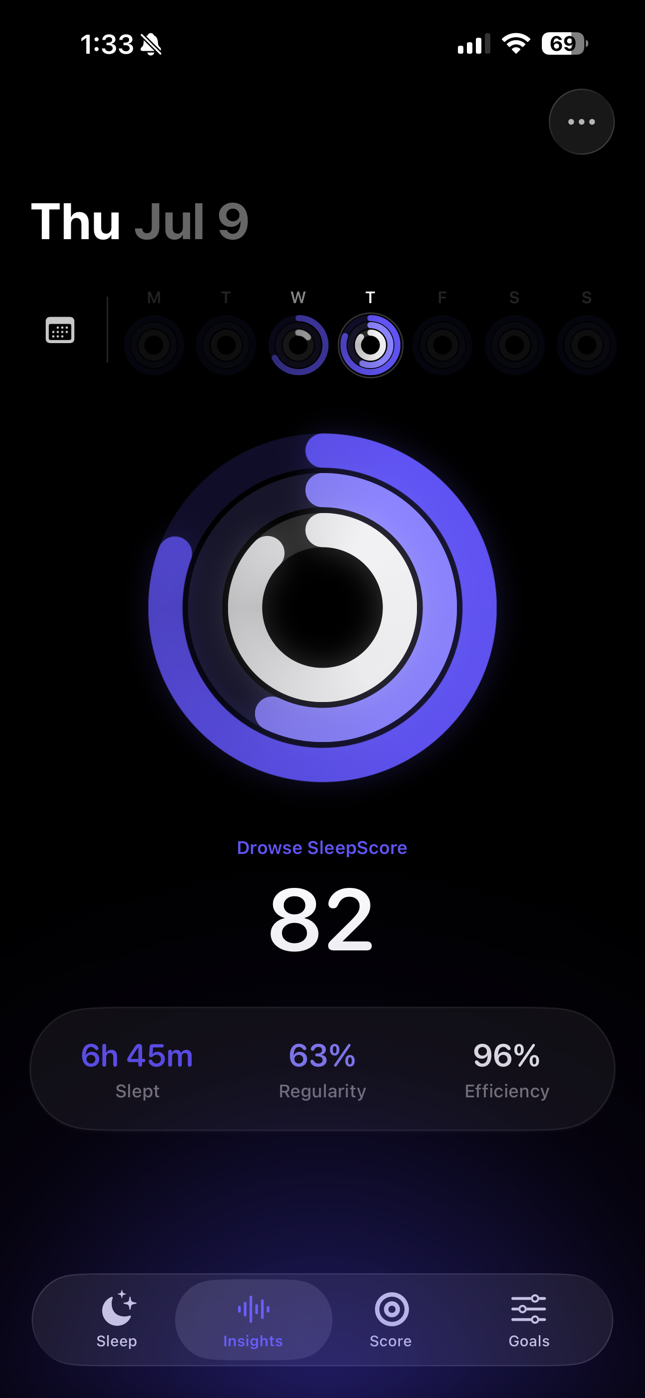
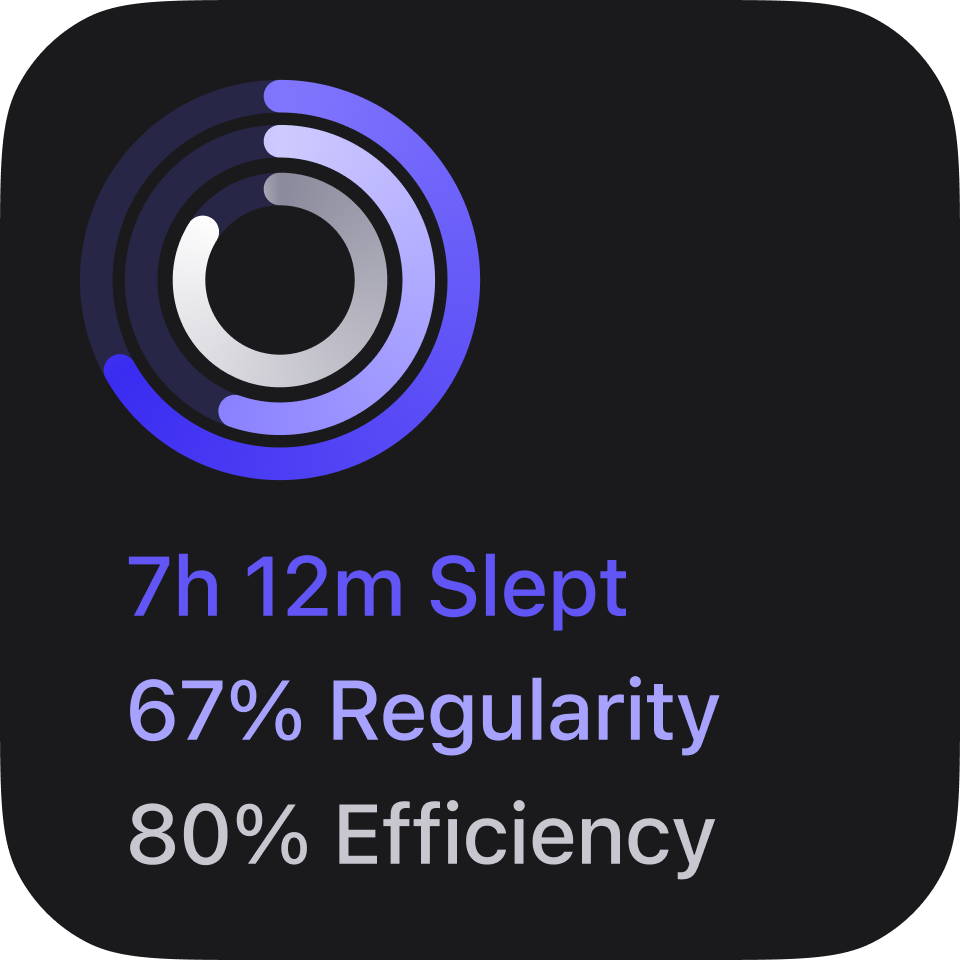
Hours asleep against your nightly goal. Aim for 8 and sleep 7h 22m? The ring shows exactly how much night you left on the table.
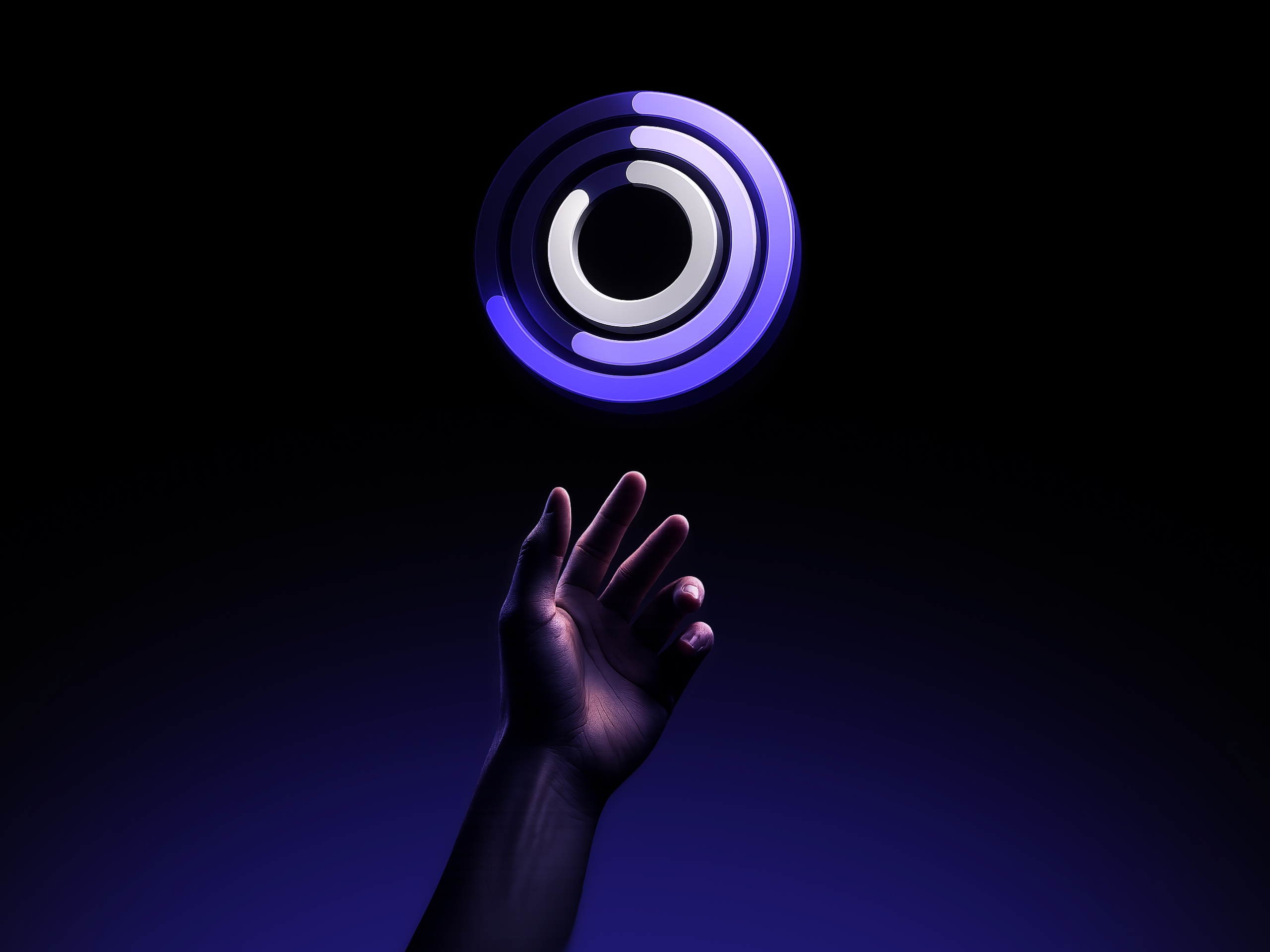
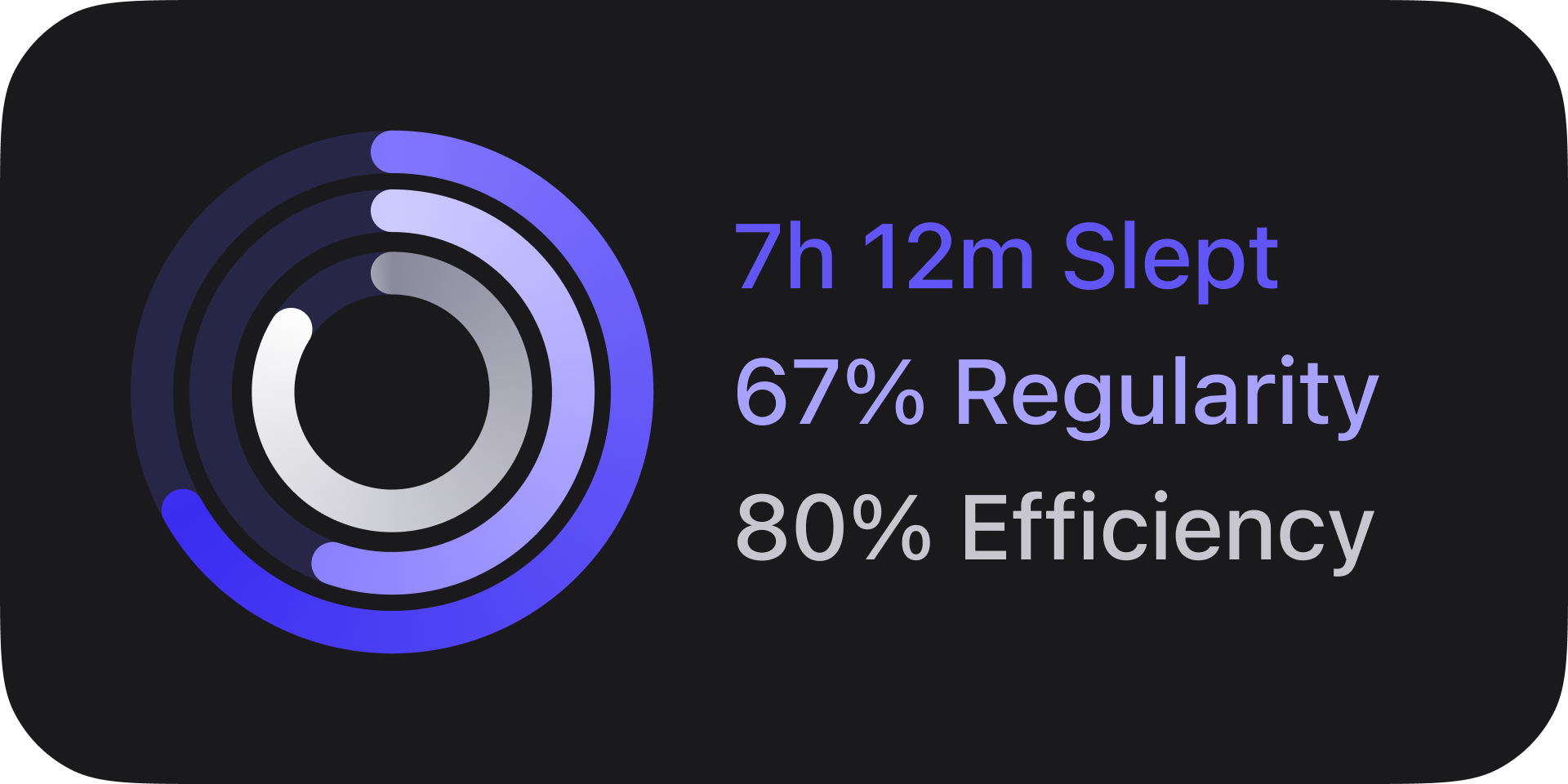
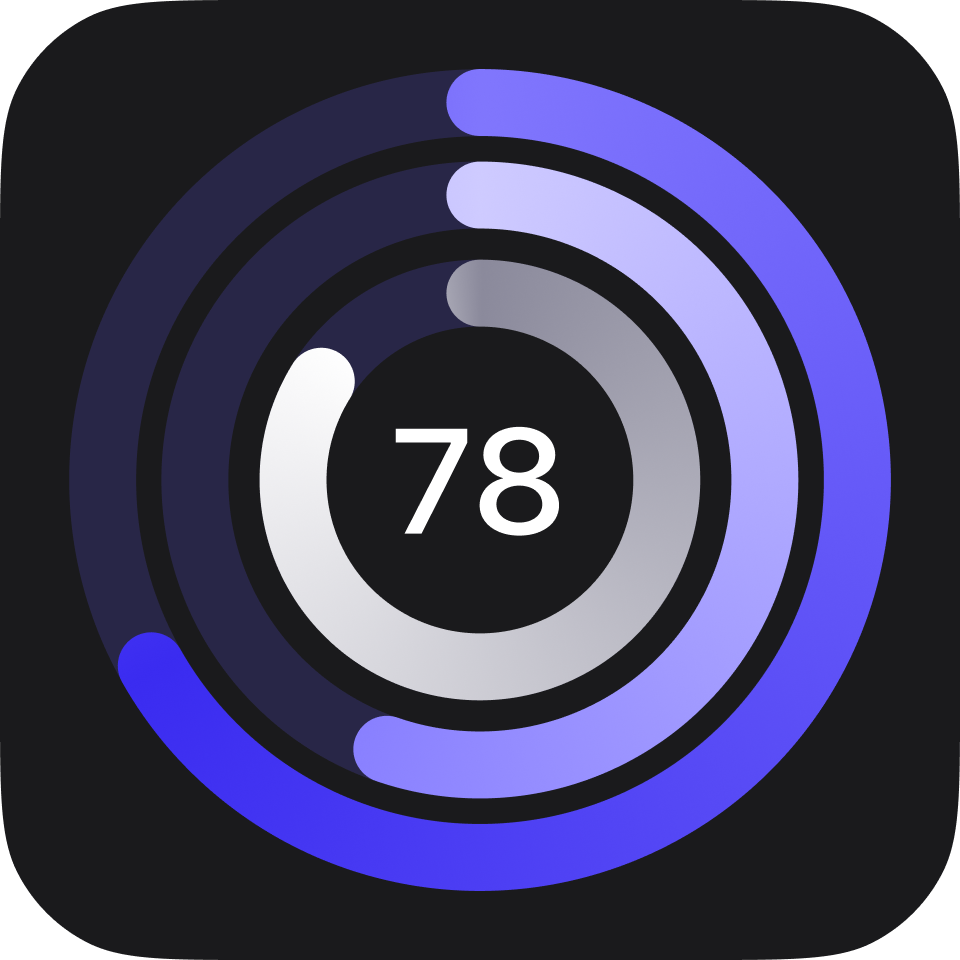
Drowse turns every night into three rings of how long you slept, how consistent you were, and how efficient your night was.
Most sleep scores start with an algorithm. Drowse starts with you.
Watch the announcement
Every metric is measured against your goals — not a population average. Drowse reads your night from Apple Health, compares it to the targets you set, and draws the result.
Hours asleep against your nightly goal. Aim for 8 and sleep 7h 22m? The ring shows exactly how much night you left on the table.
How close your bedtime and wake-up landed to the schedule you chose. Consistency is the quiet superpower of good sleep — this ring makes it visible.
The share of time in bed you actually spent asleep. Tossing, scrolling, staring at the ceiling — it all shows up here, without judgment.
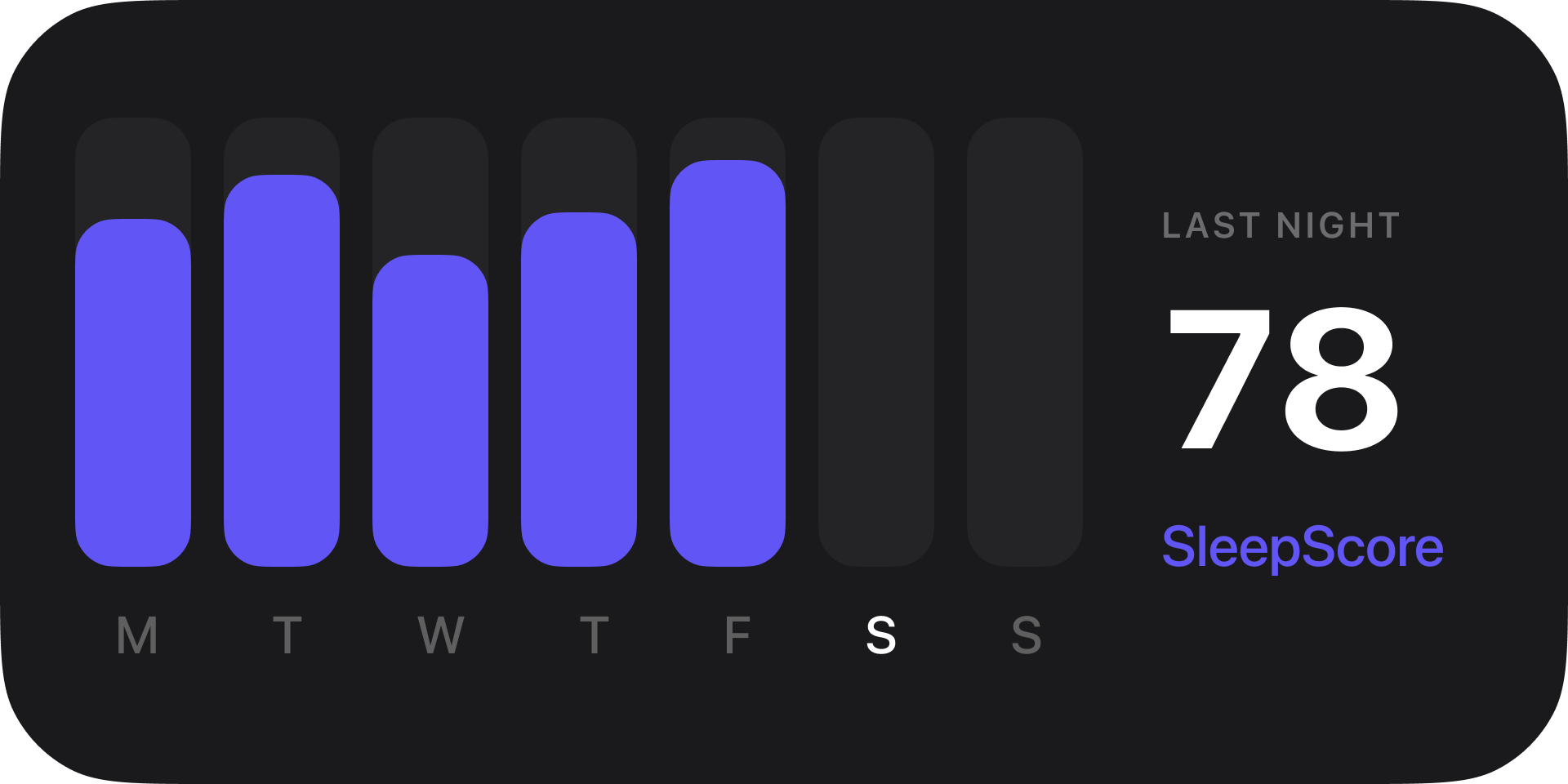
Open Drowse and last night is already there — rings drawn, score computed, no spelunking through charts. Swipe back through a year of nights, or scan the weekly strip of mini rings to spot the pattern.
Press start, put your iPhone on charge by the bed, and Drowse listens for possible snoring with private on-device processing. By morning, you can review detected clips, duration, episodes, and an overnight snoring level.
Analysis happens entirely on your iPhone. Drowse keeps no continuous overnight recording; short detected clips stay privately on your iPhone for seven nights and are never uploaded.
A shift worker's great night looks nothing like a new parent's. Drowse lets you weight what matters — pile onto hours slept, ease off regularity, or account for detected snoring after a sufficiently covered night. The score becomes a mirror of your priorities, not someone else's rubric.
✦ Based on these weightages, your Drowse SleepScore primarily relies on hours slept, time spent sleeping while in bed, and the quality of your sleep phases.
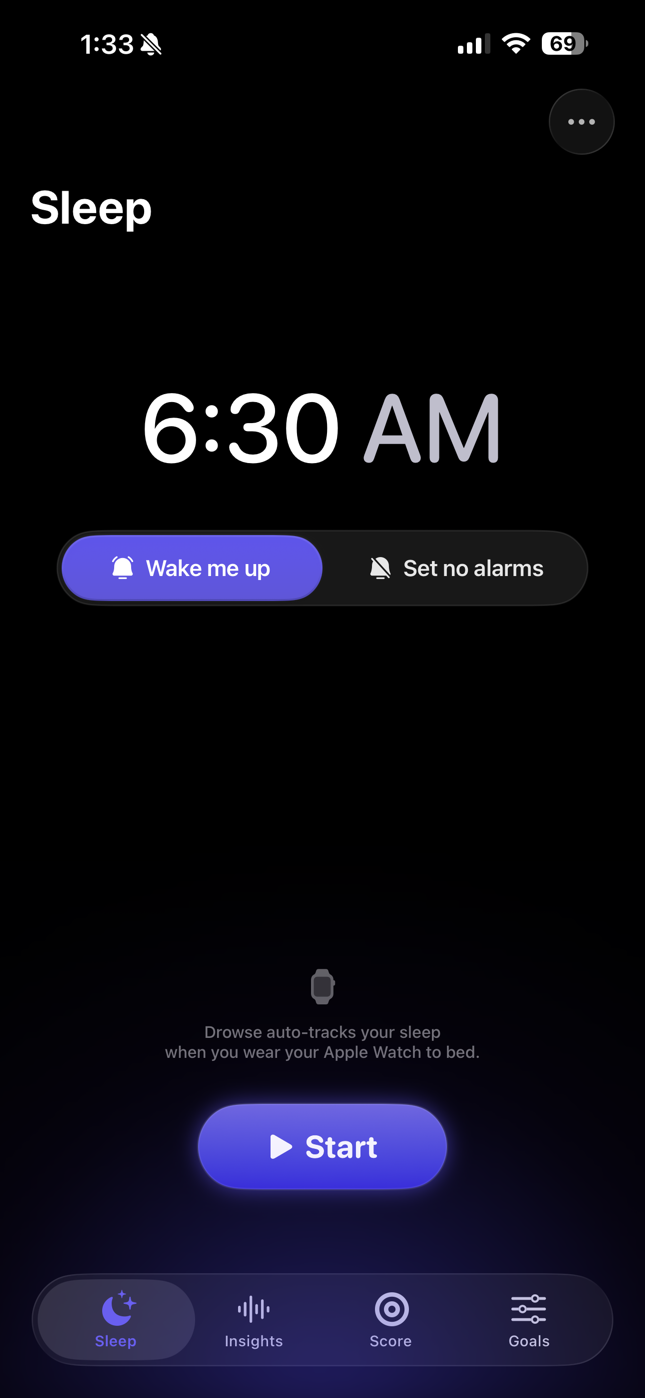
Set a wake time, choose whether Drowse should wake you, start snore tracking — done. Real alarms through Apple's AlarmKit, wind-down reminders before bed, and automatic sleep tracking when you wear your Apple Watch.
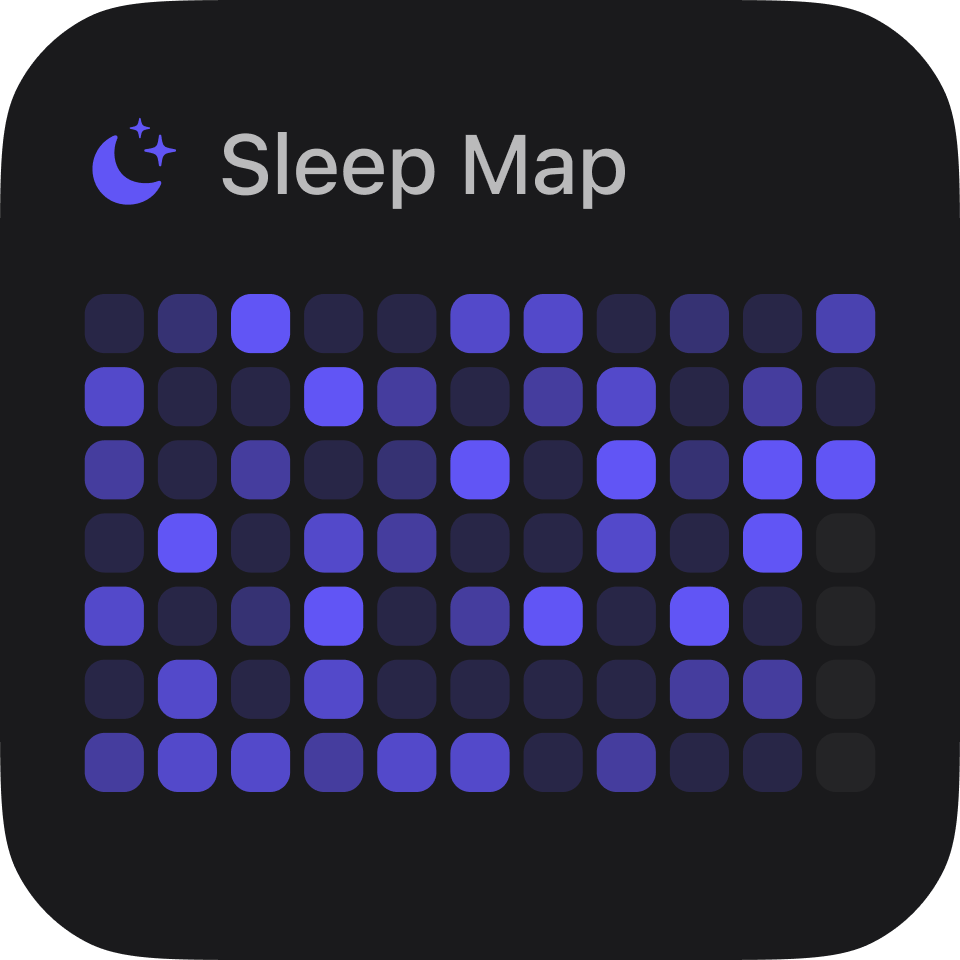
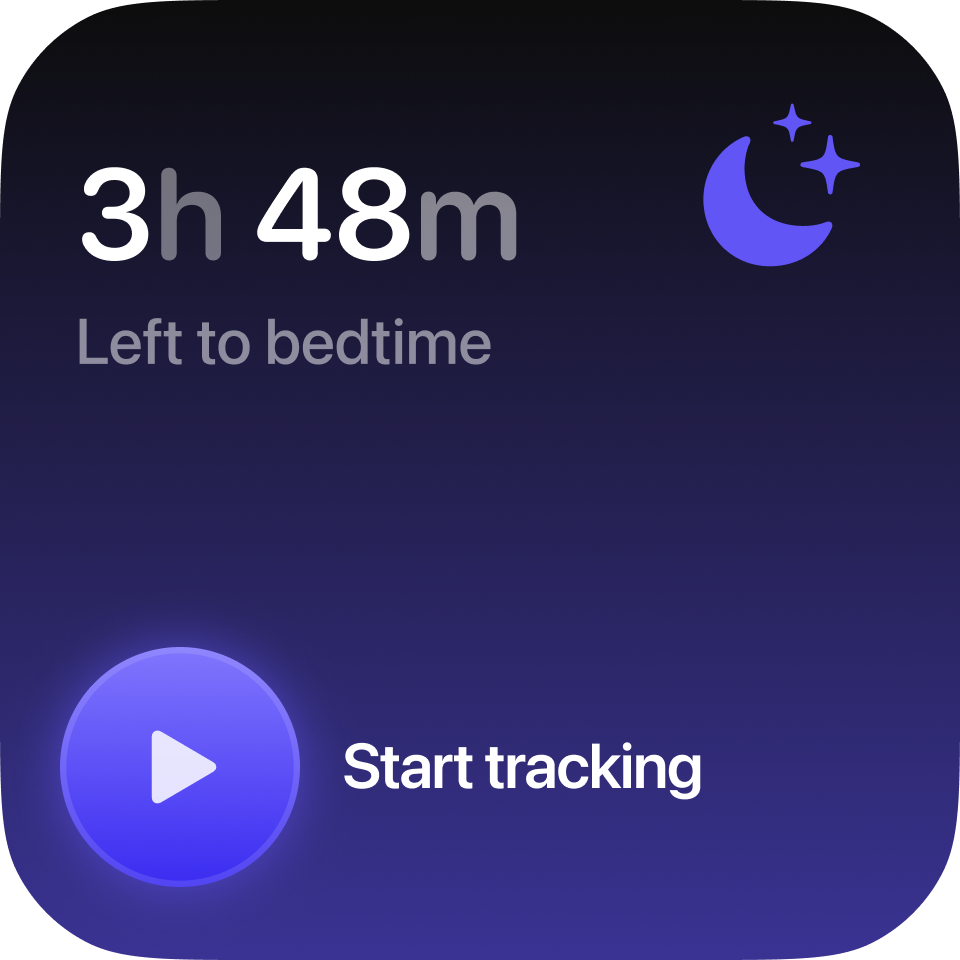
Widgets keep sleep in view without opening the app, from last night's rings to the week ahead, a sleep map, and a bedtime countdown that starts tracking with one tap.
No web views, no wrappers. Drowse is built on the frameworks Apple ships — so every permission is explicit and every interaction feels like it belongs on your iPhone.
Apple Health keeps your sleep history private.
A sleep tracker hears you at your most unguarded. That's exactly why Drowse was designed so it never has to phone home.
Snore analysis runs with private on-device processing. No continuous overnight recording is kept or uploaded; only short detected clips are stored locally for seven nights.
Drowse reads sleep from Apple Health with your permission and writes nothing back to the cloud. Your history lives on your phone.
No passwords, no ad tech. Your app identity is your Apple ID, and only your preferences sync through your own iCloud.
Drowse is available on the App Store. Download it on iPhone and start making sense of every night.
Scan the QR code with your iPhone camera, or tap the App Store badge to download Drowse.

Preparing QR code.